
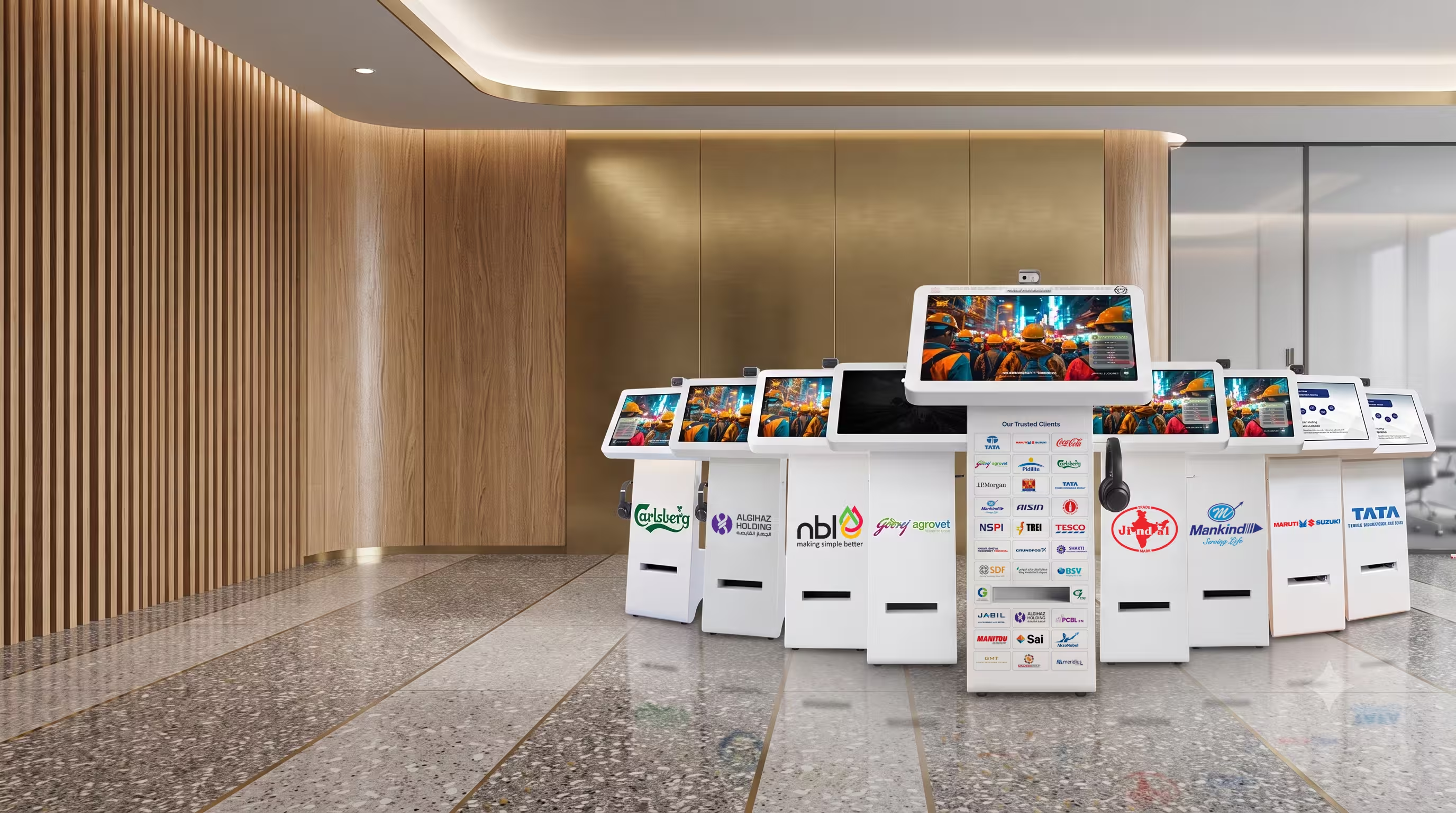
Employee Self Service for Factory Workforces
Attendance, payslips, leave and claims — through a shop-floor kiosk, mobile app or web portal. For factory workforces where most people have no company laptop and many have no smartphone, the kiosk is what makes self-service actually reach the floor instead of stopping at the office.
Why self-service fails on the shop floor
Most HR self-service is designed for desk workers. It assumes a laptop, a company email address, and a worker comfortable navigating a portal in English.
On a factory floor, none of that holds. The result is predictable: HR becomes the interface. Every payslip request, every leave application, every “why was I marked absent on the 14th” arrives as a person at the HR window — usually during the shift they should be working. At a plant with 2,000 workers this is a full-time role that nobody planned for.
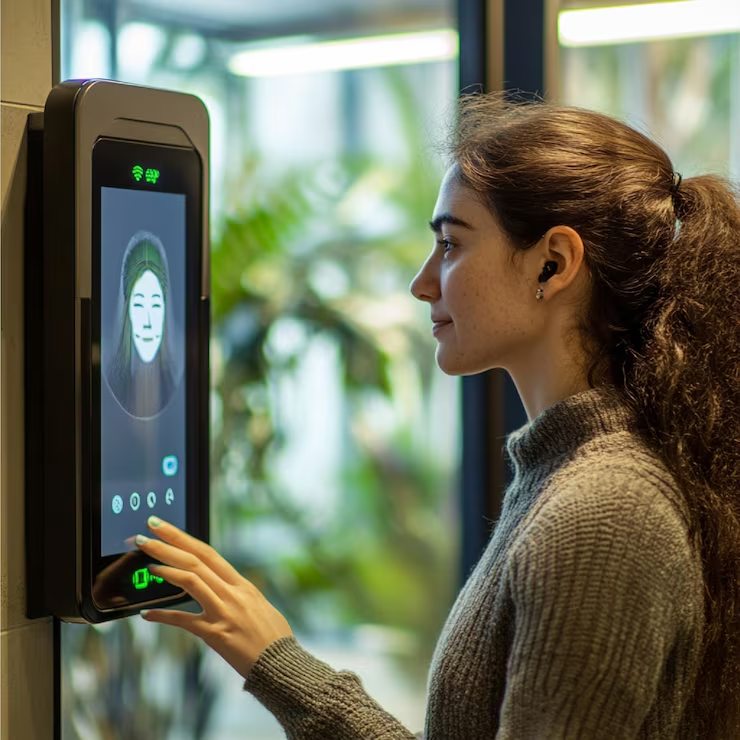
A kiosk closes that gap — a shared, always-available terminal at the gate or canteen where a worker identifies themselves biometrically and gets their own information without a phone, a login, or a queue at HR.
Top HR query
Payslip
2nd most common
Leave balance
3rd
Attendance dispute
What workers can do
All functions available on kiosk, mobile and web — same data, same record, whichever channel the worker uses.
Check attendance & shift history
Days worked, hours, overtime, absences, and the reason recorded against each — without asking HR.
Download payslips
Current and historical payslips, printed or saved, without asking HR or waiting for distribution.
Apply for leave
Balance visible before applying, status visible after — no separate query to find out if a request was approved.
Raise attendance queries
A missed punch flagged and routed to the supervisor with an audit trail — instead of an argument at month-end.
Submit claims
Reimbursements with document capture, routed through the approval chain to payroll settlement.
View documents
Induction status, medical validity, gate pass, certification expiry — own records, on demand.
Update personal details
Bank, address, contact — with approval workflow so changes are verified before they reach payroll.
Access earned wages
Where earned wage access is enabled, withdraw wages already earned before payday. Learn more →
Three ways to deliver self-service
All three channels read from the same record — a worker who uses the kiosk on Monday and the app on Friday sees identical information.
| Channel | Best for | Notes |
|---|---|---|
| Kiosk | Shop-floor and contract workers without smartphones | Biometric identification, multilingual, no login to remember |
| Mobile app | Supervisors, staff, workers with smartphones | Same data, plus GPS attendance for field roles |
| Web portal | Office and admin staff | Full functionality on desktop |
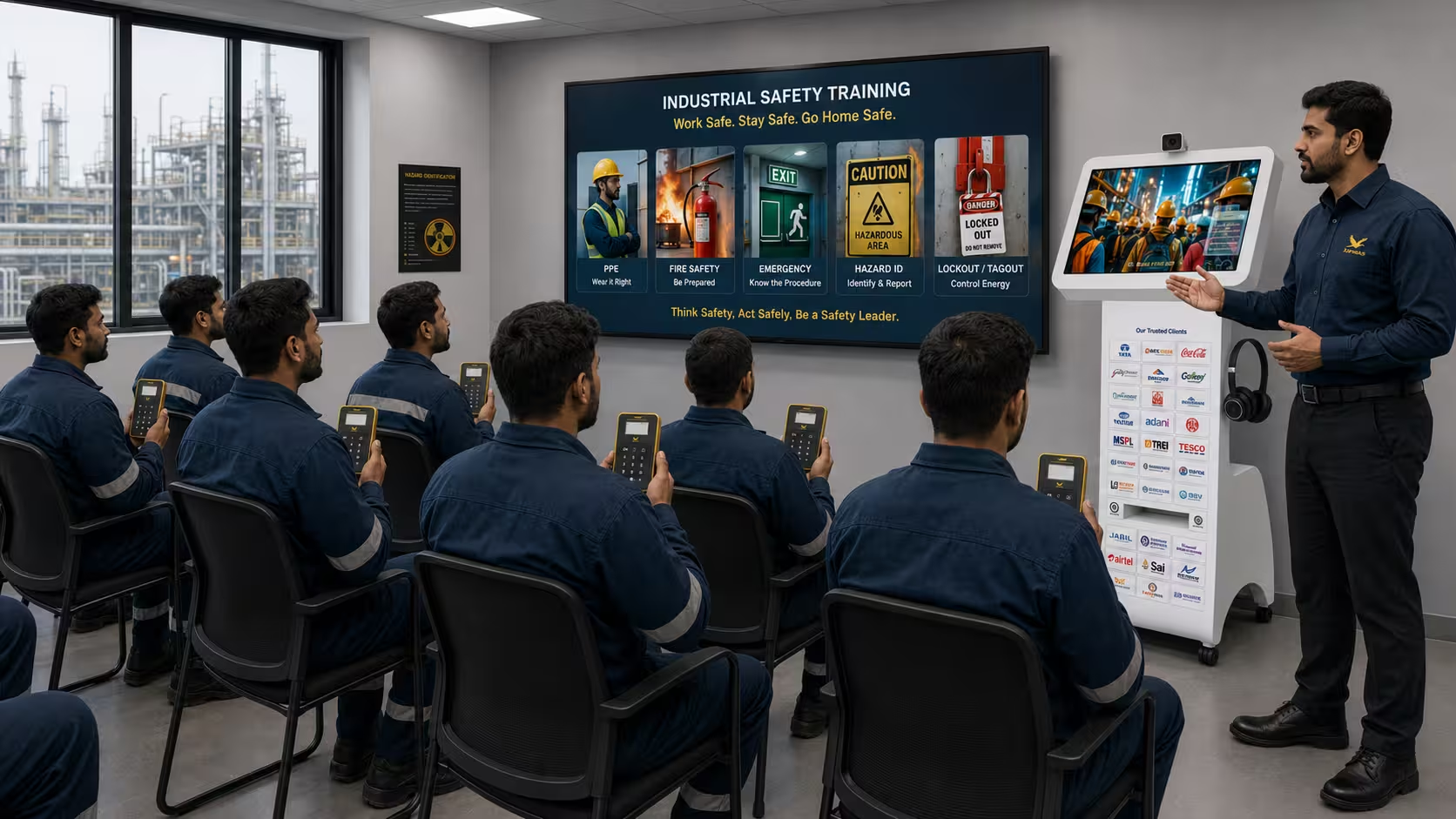
Built for the Indian shop floor
Biometric identification, not passwords
A worker touches the reader or looks at the camera. No employee ID to remember, no password to reset, no shared credentials.
Multilingual
Interface in the languages your workforce actually speaks — not just English and Hindi.
Designed for low digital literacy
Large targets, icons before text, short flows. A worker should be able to get a payslip in under thirty seconds without being shown how.
Rugged placement
Wall-mounted or floor-standing units for gate, canteen or shop-floor locations, specified for the environment — weatherproof where exposed.
Works for contract workers too
Contract workers see their own attendance and wage records against the correct contractor — through the same contract labour management engine — removing a persistent source of contractor payroll disputes.
What changes for HR
The measurable effect is on interruptions. Payslip requests, leave-balance questions and attendance disputes are the bulk of HR's daily foot traffic in a plant — and all three are self-serviceable.
The second effect is on disputes. When a worker can see their own attendance daily, an incorrect record is raised on the day it happens rather than reconstructed at month-end from memory. Both sides end up arguing from the same data.
Payslip queries → self-service
Workers download their own payslips rather than requesting them from HR.
Leave applications → self-service
Balance visible, status tracked — no email chains and no walk-ins.
Attendance disputes → same-day
Incorrect records surface on the day, with the audit trail already attached.
Five types of kiosk
The same hardware and biometric identity layer supports different kiosk roles depending on where it sits in the plant and what the worker or contractor does at it.
Employee self-service kiosk
Workers without a company laptop or smartphone check attendance history, download payslips, apply for leave, raise attendance queries, submit claims, and view document status — biometric login, no password. The primary use case for shop-floor permanent staff and contract workers.
Employee self-serviceVisitor management kiosk
Self check-in at the gate: visitor details, host notification, watchlist screening, photo capture, and a printed or digital pass carrying zone permissions. The pass works on the same turnstile lanes as the workforce — no separate visitor lane required.
Visitor management systemCanteen kiosk
Meal entitlement validated against the worker's shift and contractor at the point of issue. Subsidy calculated at the counter. Meal counts reconcile automatically against caterer invoices — without a counter operator checking a list.
Canteen managementSafety induction kiosk
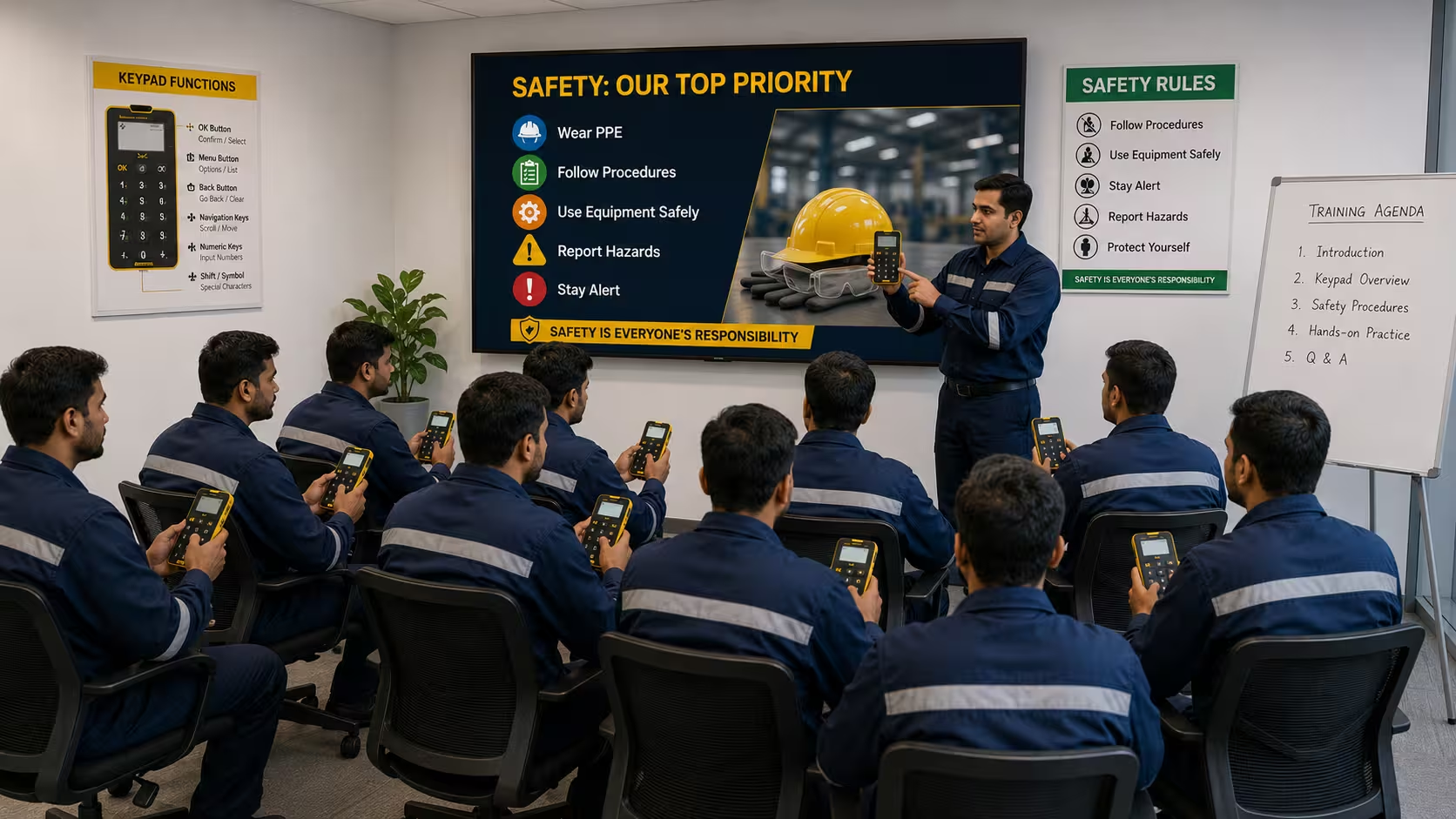
Induction content delivered and assessed at the kiosk, with completion written to the worker's compliance record. Gate access rules can block entry until induction is current — making induction a control rather than a document.
Gate complianceContractor onboarding kiosk
Bulk intake at the gate during shutdowns and ramps: document capture, biometric enrolment, verification status check, and work-order assignment. Handles high-volume intake days without a separate onboarding room or manual queue.
Contractor onboardingWhy the application matters more than the enclosure
What separates a useful kiosk from an expensive noticeboard is whether it is connected to anything.
A visitor kiosk that captures details but cannot check a blacklist, issue a zone-limited pass or open a turnstile has moved the paper register onto a screen. A canteen kiosk that records meals but cannot validate entitlement against the shift a worker actually attended has automated the wrong half of the problem.
InOps kiosks run on the same attendance, identity and compliance engine as the gates — so what happens at the screen has consequences at the barrier.
Related Solutions: Visitor Management, Canteen & Contractor Onboarding
The kiosk applications most often deployed alongside employee self-service at factory sites.


Frequently asked questions
Common questions about employee self-service, kiosk placement, biometric access, and HR impact.
01What is employee self service?
Employee self service lets workers view and manage their own workforce records — attendance, payslips, leave, claims and personal details — without going through HR. In office environments it's delivered as a web portal or app; in factories it also needs a shared physical access point, because most workers have no company laptop and many have no smartphone.
02What is a self-service kiosk and where is it placed?
A self-service kiosk is a shared terminal — wall-mounted or floor-standing — where a worker identifies themselves biometrically and accesses their own records. Typical placements are the gate, the canteen, and near the shop-floor entrance, chosen so workers pass it during natural breaks rather than making a separate trip.
03How does a worker log in without a password?
By face or fingerprint. The kiosk uses the same biometric identity already enrolled for attendance, so there is no separate credential to issue, remember or reset. This is the single largest reason kiosk self-service works on a factory floor where password-based portals do not.
04What can workers actually do at the kiosk?
Check attendance and shift history, download payslips, apply for leave and see balances, raise attendance queries, submit claims, update personal details, and view document status such as induction validity, medical fitness and gate pass. Where enabled, they can also access earned wages before payday.
05Does it work for contract workers as well as permanent employees?
Yes. Contract workers see their own attendance and wage records mapped to the correct contractor, drawn from the same contract labour management engine that produces contractor invoices. That transparency removes a significant share of contractor payroll disputes, because the worker and the contractor are reading the same record.
06Can workers view their own CLRA attendance and wage records at the kiosk?
Yes. For contract workers, the kiosk surfaces the same records the contract labour management system uses to generate CLRA statutory registers and contractor invoices — daily attendance log, shift-wise hours, approved overtime, and computed wages per pay period. A worker can see exactly what the contractor's invoice will be based on, which removes the most common source of end-of-month payroll disputes at the gate. They cannot edit the underlying record; they can raise a query against a specific day, which routes for supervisor review with both records retained.
07What languages does it support?
The interface is available in multiple Indian languages so workers use it in the language they read most comfortably.
08How many kiosks does a site need?
Fewer than most people expect, because usage is spread across shifts rather than concentrated. One kiosk per major gate or canteen is a common starting point, with additions based on observed queuing. Sizing depends on headcount, shift pattern and how many workers also use the mobile app.
09Do workers need smartphones?
No — that is the point of the kiosk. Workers with smartphones can use the mobile app for the same functions; workers without one use the kiosk. Both read from the same record, so a workforce with mixed phone ownership gets consistent access.
10Is worker data secure on a shared terminal?
Sessions are tied to biometric identification and end automatically after a short timeout or on completion, so the next person at the kiosk cannot see the previous worker's data. Access is limited to that worker's own records. Data handling aligns with DPDP Act obligations.
11Can workers correct wrong attendance through the kiosk?
They can raise a query against a specific day, which routes to their supervisor for review with the original record and the correction request both retained. The worker cannot edit their own attendance — the value is that discrepancies surface on the day rather than at month-end.
12How does this reduce HR workload?
Payslip requests, leave-balance queries and attendance disputes make up the majority of walk-ins at a plant HR desk. All three are self-serviceable. HR shifts from answering the same questions repeatedly to handling the exceptions that genuinely need a decision.
13Does it integrate with our existing HR or payroll system?
The kiosk reads from the InOps attendance and workforce record. Where an existing HRMS holds payroll, integration determines what the kiosk can display.
14What does deployment involve?
Kiosk placement and mounting, network connection, linking to existing biometric enrolment, and configuring which functions are enabled per worker category. Because workers are usually already enrolled for attendance, there is generally no new enrolment exercise.